Librarian for the Roland Juno-106 / MKS7 Synthesizers Backup, organise, and live edit your favorite presets, via MIDI.
Your favorite Juno presets, managed in a single app.
Jouno was designed for you to take control of your Juno-106 synthesizer remotely: Exchange patches, and organize your sound library to your liking. This native editor feels right at home on your mac, and integrates perfectly with your studio workflow.
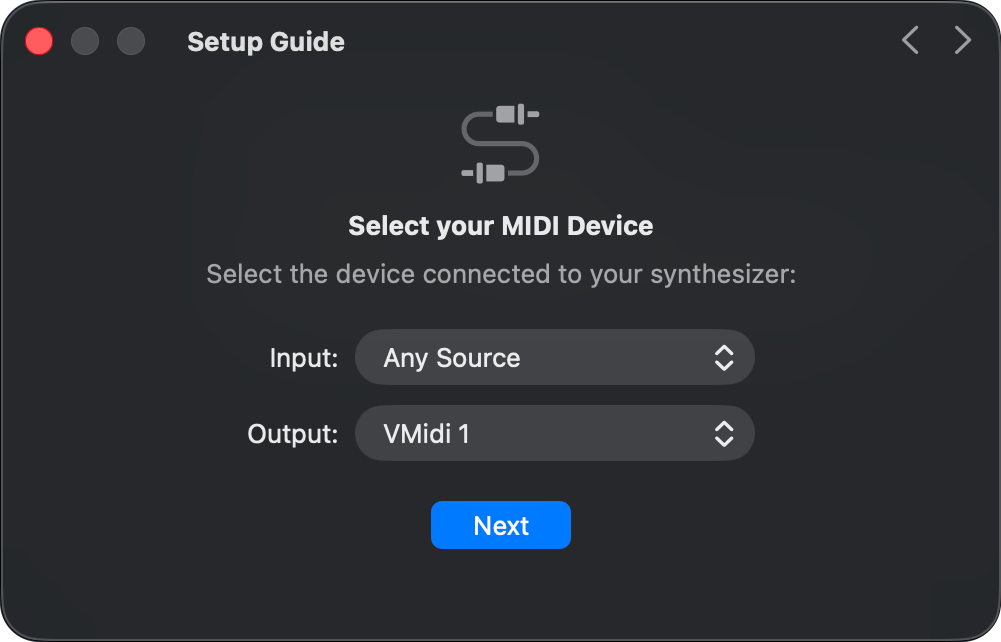
Jouno's onboarding experience will guide you through setup, so that everything runs smoothly.
Record Patches Instantly
Recording is a fairly straightforward process: Press record, select a patch number, name it. Done!
Record In Batches
When backing up a large number of presets at once, the record multiple interface lets you incrementally select patch numbers on the synth.
Watch them appear in the list for you to later listen to, rename, and save.
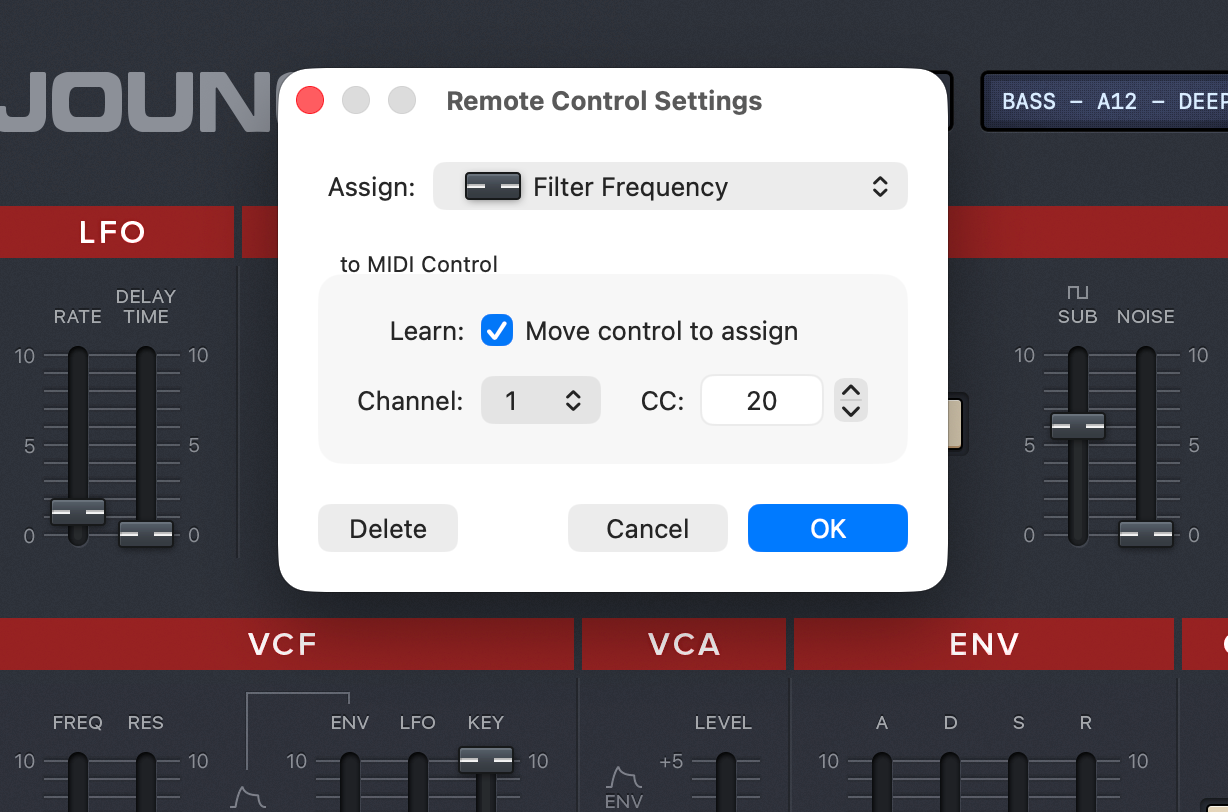
Remote Control, via MIDI CC
Control the app's faders from an external controller, or forward MIDI CC commands.
This allows you to create automation of parameters from within your DAW, and change the parameters of the sound during a track (filter sweep, volume change, etc…).
Learn more
And also …
File Management
Duplicate, Rename, Delete, Filter, Undo / Redo, etc. The app watches for external file modifications and keeps the files list in sync.
Live Preview
Preview sounds while editing, using your computer keyboard as a MIDI controller. Keys A to L play white notes, and flats are located on the row above.
Hardware-Synced Interface
Faders automatically animate and follow tracking as you perform live edits on your Synth. Use manual mode to sync them all to their actual position.
Customizable Appearance
Choose between three skins and customize slider tracks opacity, and preferred mouse tracking sensitivity.